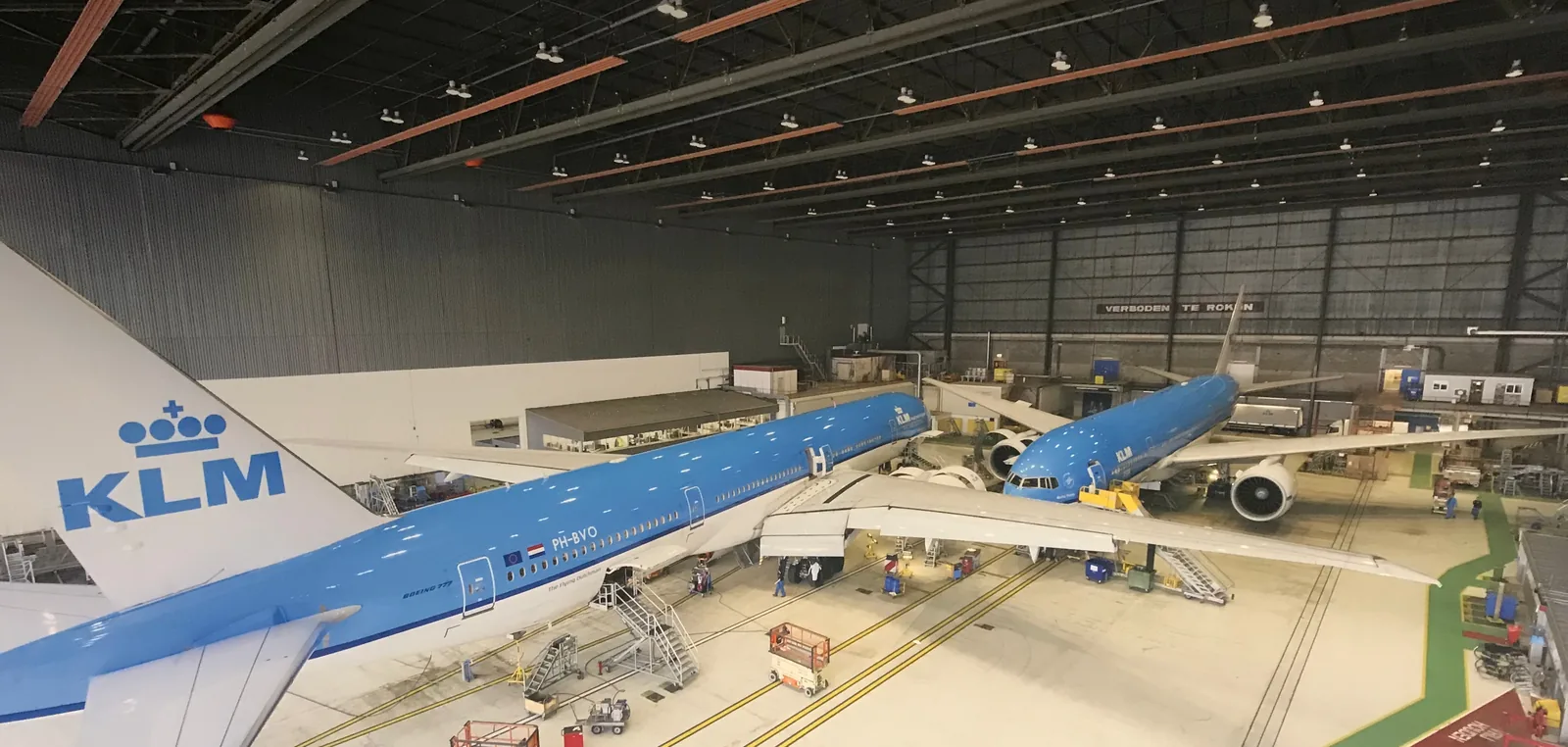
Aircraft technicians recorded every job twice. Once on paper at the aircraft,
then again in IFS Maintenix. I designed what replaced both, and 400+
iPads went onto the hangar floor. I was there for over three years.
UX researchDay in the lifeService designCo-creationPriority guidesInteraction design
Dutch Interactive Awards · Winner
Role UX & Service DesignerClient KLM Engineering & MaintenanceWith Cognizant / MirabeauSurface iPad, in a hangarDuration 3+ years on the floor
The problem
The work was done once with a wrench and twice with a pen.
Everything written on a task card went into IFS Maintenix afterwards.
Maintenix is the industry standard for fleet maintenance records: expensive,
heavy, and still behaving like the nineties. Locked by default, permission
needed for almost anything.
It was never built for the technician typing into it. It was built for the
legal position underneath him — proof to a regulator that every job on
every aircraft was done, checked and signed for.
And it was slow. The database behind it was slow enough that people planned
their day around it. So you had a system nobody wanted to open, that took
its time once you did, standing between a finished job and the record of it.
The floor
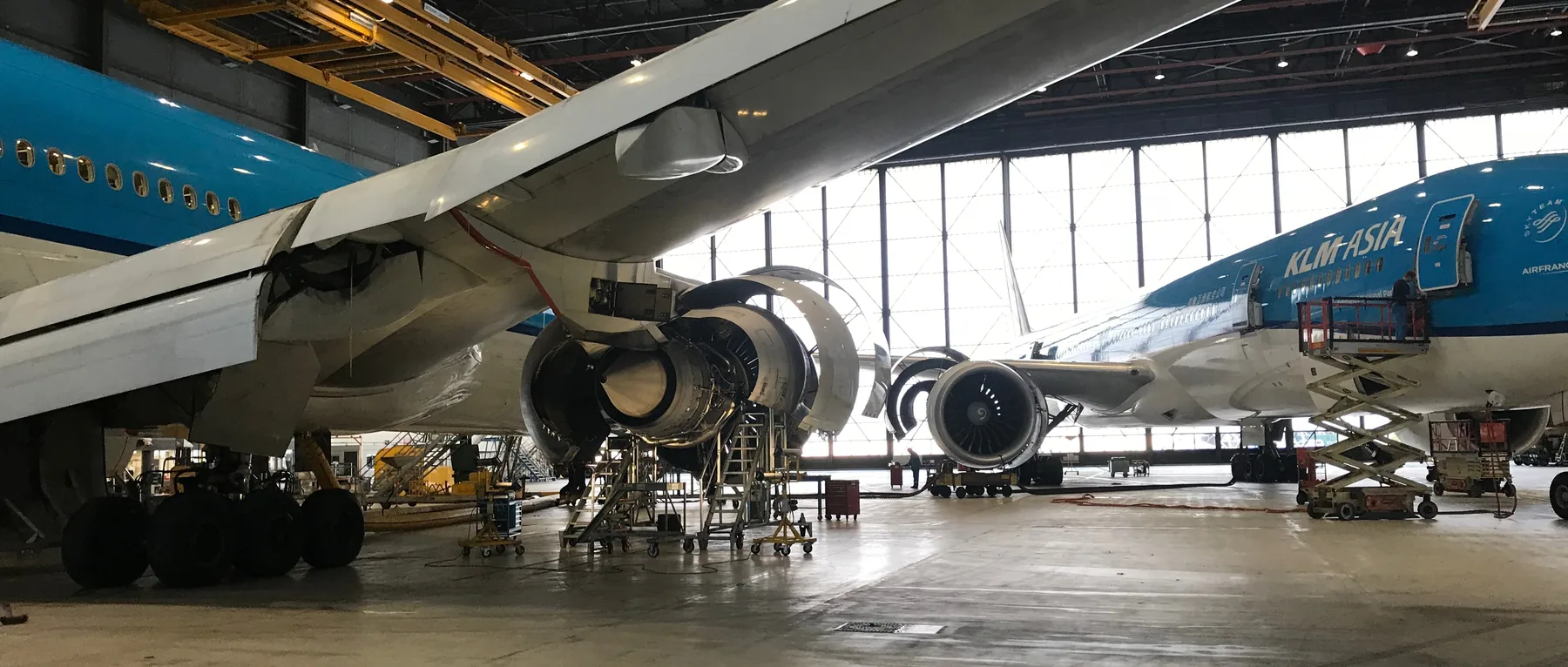
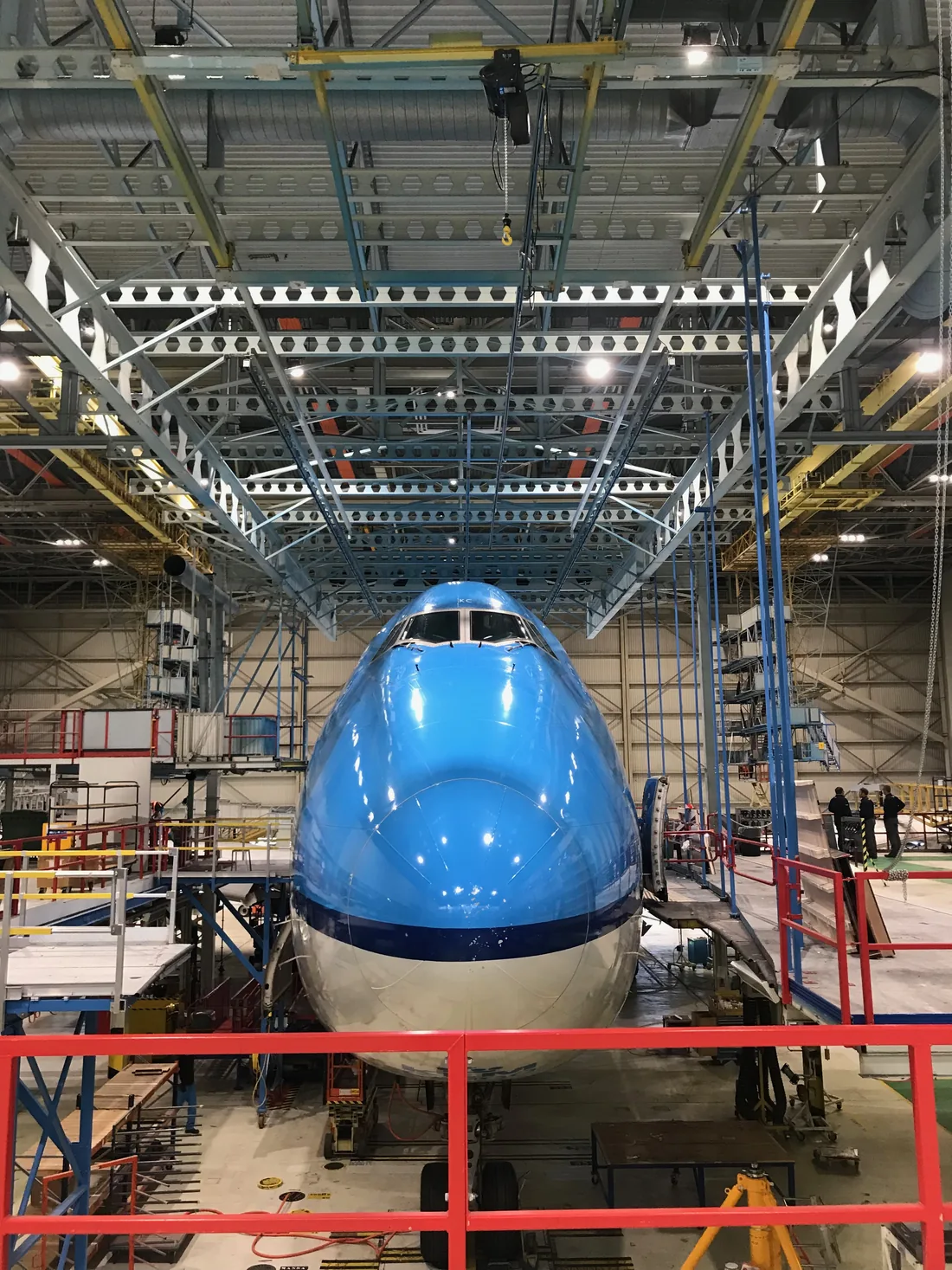
Around the clock, across several hangars.
Aircraft parked two and three deep. A different crew on every shift and a
different aircraft type on every stand. A check that runs long is a
flight that does not leave.
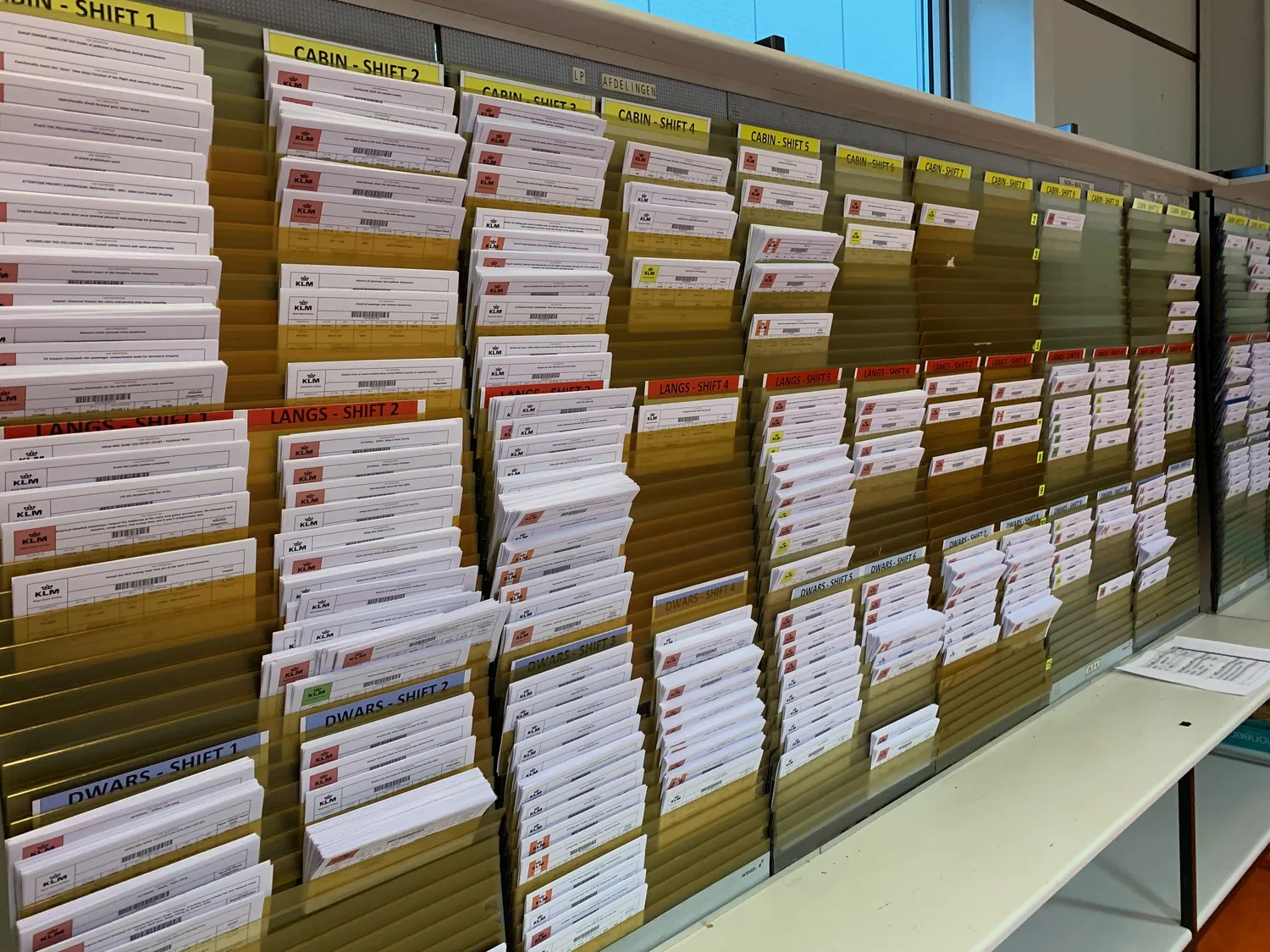
Task cards, by area and by shift.
The people doing it
“We’re experts in nuts and bolts, not paper collection.”
Aircraft maintenance technician
A check is hundreds of items. Each needs a step, a manual and a signature.
The starting point
They thought they were getting Maintenix on an iPad.
A fair assumption, and it would have been worse than paper. They were not
resisting change. They were going on experience.
So the brief was simple. Remove the paper, and put a shell over
Maintenix so nobody has to open it. The record still lands where the
airline needs it. It stops being their second job.
A skin over a slow system would still be slow, so we put our own
database in front of it: realtime for the people on the floor, syncing
to Maintenix for the record. That is what made the iPad feel like a tool
rather than a terminal.
How I worked
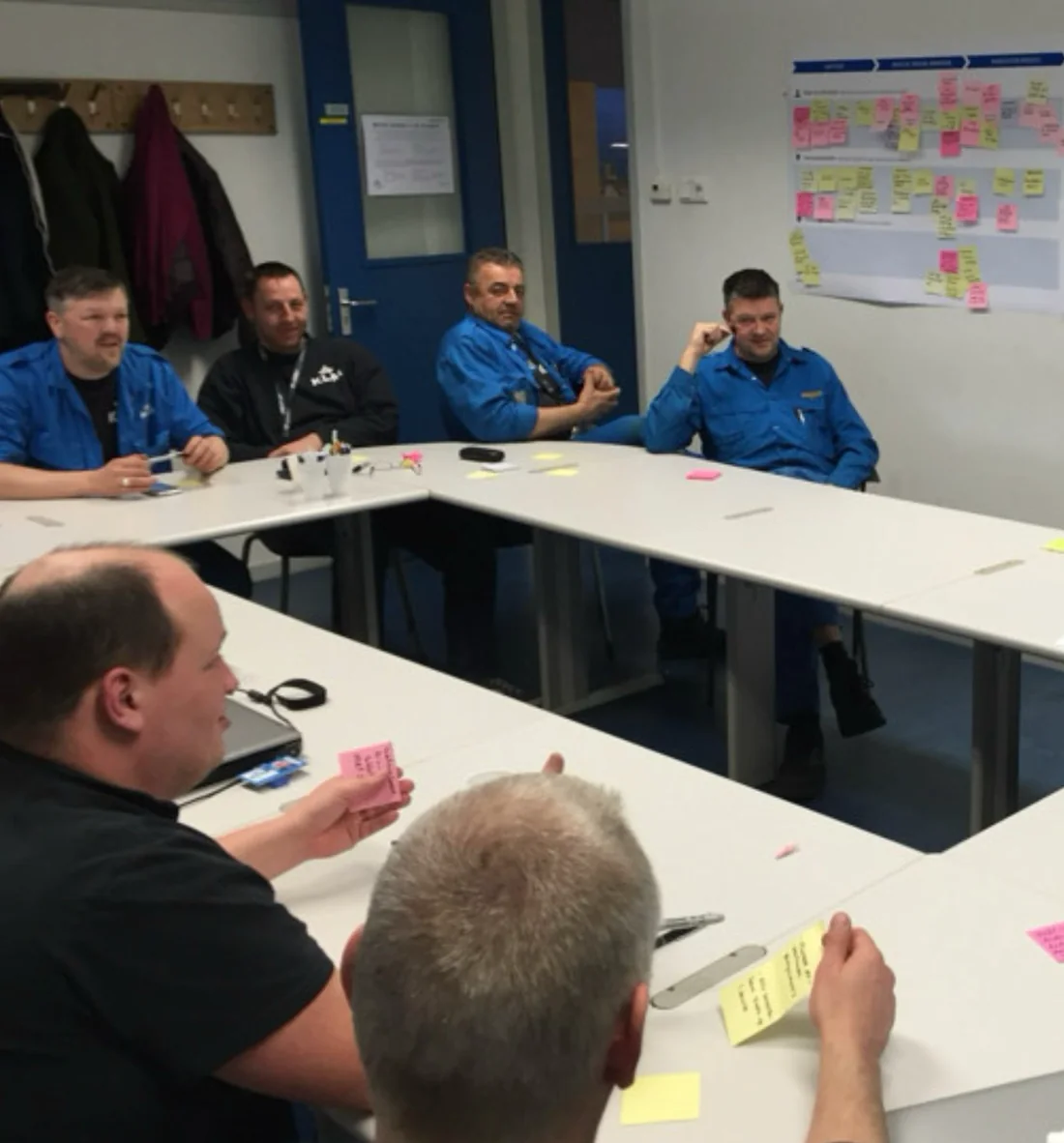
Technicians were in the team, not in a focus group.
1
An expert from the floor in the development team, one to two days a week.
2
A design space in the workshop, so anyone could walk in and say what should change, or bring an idea of their own.
3
I showed them the decisions, not a demo. Every two weeks: what had changed because they said so, and where I had gone the other way.
4
Technicians in the decisions, through their own representatives.
That is what turned the sceptics into the people pushing hardest for the next
release.
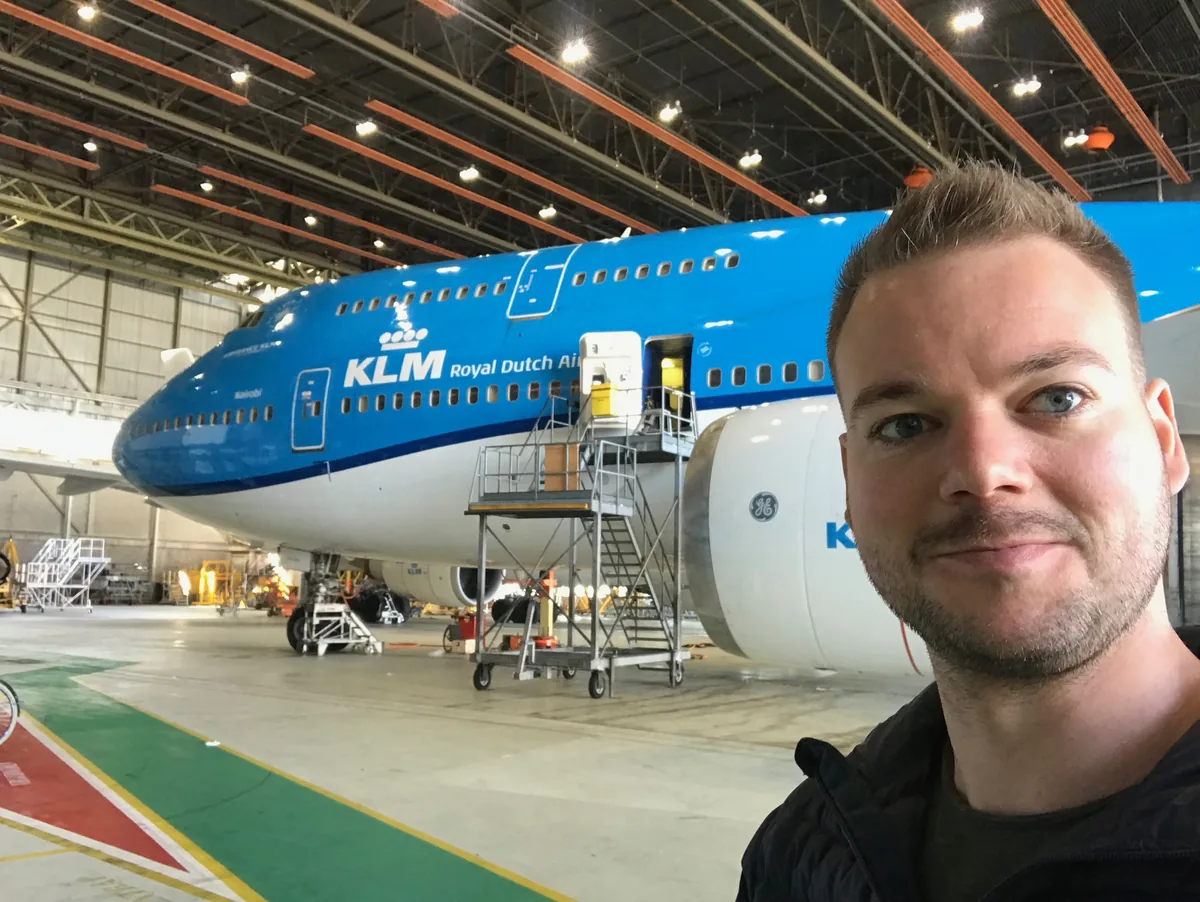
A session in that space, the journey map behind them.Me in the hangar.
An example challenge
One task, from pick-up to signature.
Shadow sessions and feedback gave us the epics. PI planning picked which
ones ran. I took one and worked it out per step: the flow it sits in, the
job the technician is doing, the priority guide. That last is content in
priority order, before anyone lays out a screen. Pick anything on the map
and it opens underneath.
The flow, the guides and the states are simplified from the originals — the same decisions, written for this case rather than for the team that built it.
1
Starting a shift
When I pick up my own iPad at the start of a shift, I want to be in the job in seconds, so I am not standing in a hangar authenticating before I have touched an aircraft.
1Touch ID, or six digits with gloves on. The account was already proved when the iPad was handed to one named mechanic, so a full login at the start of every shift charges for that twice. Touch ID does not read through a glove, so in a hangar the six digits are not the fallback — they are the way in, which is why they sit beside it rather than behind a link.
2Name which of the two broke. Maintenix is the system of record and iMech sits in front of it, so from the hangar floor a dead network and a dead Maintenix look identical: a screen that will not load. The responses are opposites — walk until the signal comes back, or stop and report it. One generic “cannot connect” sends people to try the wrong one.
3Offline is an ordinary mode, not a failure screen. The obvious build blocks the app until it reconnects; a steel hangar has dead spots by construction, so that makes the tool unavailable exactly where the work is. The iPad holds the shift’s tasks and keeps taking input until the signal returns.
2
Picking up work
When I come off one job, I want to see what is mine and how long it takes, so the next thing I pick actually fits the time left in the check.
4The empty state is the most common screen of the shift. Between every two jobs it is what a mechanic is looking at, so writing it as “no items” spends the most-seen screen on reporting emptiness. It points at the next action instead.
5Slow is not broken. A spinner over the whole list is easier to build, and it hides the rows that already arrived behind the ones that have not. Show what landed, say the rest is coming, and let somebody start on what is already there.
3
Doing the job
When I am at the aircraft with the task open, I want the step I am on and the manual for it in the same place, so I am not walking to a terminal to look something up.
6“Job stop” sits next to “Finish”, at the same weight. Put stopping behind a menu and the honest option costs more taps than the dishonest one, so work goes unrecorded and the next shift inherits a lie. Stopping is as normal an action as finishing, and designing it as a first-class choice is what fixed it.
7A fault is raised from the step that found it. Raised anywhere else it arrives without the one thing that makes it actionable — which step, on which task, against which manual reference. The task carries on; the fault travels on its own.
4
Being interrupted
When I have to put a job down half finished, I want to leave behind why and what is still open, so the next mechanic starts from my reason instead of from a half-ticked list.
8The reason travels with the stop. A stop recorded as a status alone leaves the next shift to reconstruct it from a half-ticked list — on paper, this was the single biggest source of lost time. Each reason carries different cargo, so the screen asks for what that particular reason needs and nothing else.
5
Being rejected
When my work comes back from the inspector, I want to see which step and why in their words, so I fix that step instead of redoing a task that was mostly right.
9Rejection is a designed path, not an error. Regulation requires the second signature, so a share of tasks coming back is the system working — dressing that as a failure puts blame wording on a routine event. Reopen the exact step, attach the inspector’s reason, and leave everything already signed off alone.
6
Signing it off
When the work is finished, I want to sign for it once and know it is recorded, so I am not chasing paperwork after the shift has ended.
10The one place where friction is correct. Every other screen here is built to save taps; this one adds a step on purpose, because the signature carries the legal weight the paper form used to and a mis-tap is a signed statement about an aircraft. Confirming before signing is the whole point of signing.
11And when it fails, hand them something to say. Not just that it went wrong, but a reference — 1001003:11473498 — because the next move is a call to somebody who has to look it up. A system built to stop phone calls should at least make the unavoidable one short.
Start of shiftThis iPad belongs to one mechanic
M. Bakker — whose iPad this isProved once, when the device was handed over, not again every morning
Which aircraft and bay it is on
Touch IDThe fast way, when the gloves are off1
Six digits, beside it — not behind a linkGloves on, which is the working state1
Signed in to Maintenix behind thisThe system of record; this screen only sits in front of it
Last sync 11:42 · 3 tasks on this iPad
Maintenix is not answeringThe system behind iMech
Named as the system, not your signalSo nobody goes hunting for a wifi problem that is not there2
What this stops
New tasks from planning
Signing off — the second signature is recorded there
What it does not stop
The 3 tasks already on this iPad
Try again
Work offline with what is stored here
No hangar networkYour signal, not the system
Named as the signal, not MaintenixA dead spot is not a fault — walking out of one usually fixes it2
What it does not stop
The 3 tasks already on this iPad
Try again
Work offline with what is stored here3 tasks, synced at 11:42
Working offlineLast sync 11:42 · 3 tasks on this iPad
Said once, at the top, and then left aloneThe condition you are working in — not a dialog to dismiss3
What you can do now
Open the 3 tasks stored here
Tick steps as you go
Write a job stop, reason and all
What waits for signalNamed now, so it is not a surprise at the end of the shift
Signing off — the second signature needs Maintenix
Anything new from planning
Queued here, sent the moment the network is back
Task overviewMy tasks · Team tasks
In progress
The one you are on, and since whenOnly ever one — two running tasks is a paper problem›
To do
Task name · required skill · estimateEstimate first: picking wrong wastes a slot in the check›
Open a task
Task overviewBetween two jobs
In progress
Nothing running — and the next move, right hereNot “no items”: the two tasks below are the answer4
To do · 2 that match your skill
Inspect passenger seats · B1 · 40 min›
Cabin lighting check · B1 · 20 min›
Start the top one
Task overviewStill arriving
To do · what has arrived
Inspect passenger seats · B1 · 40 min›
Cabin lighting check · B1 · 20 min›
Still loading the restNamed, and not covering the two that are already here5
Open one of these now
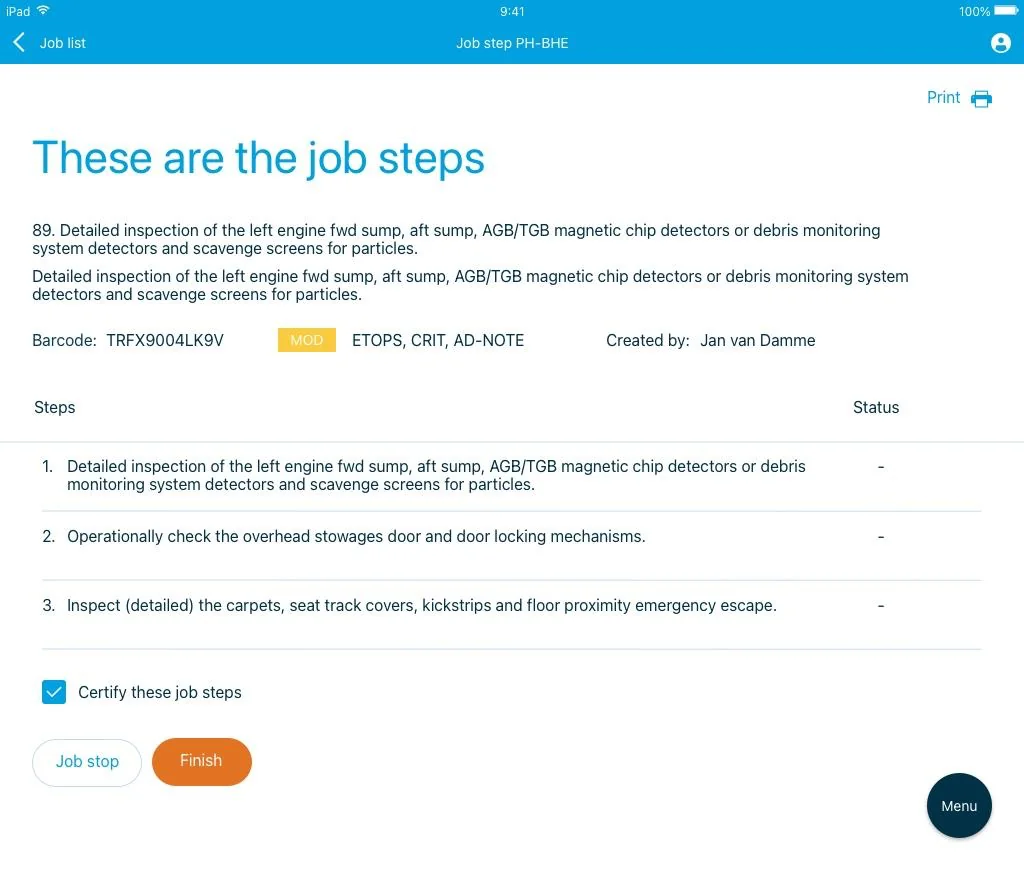
Job stepsInspect passenger seats
Task reference, barcode, who raised it
Steps, in order
Step, with its manual reference on the step›
Tick when done · 2 of 4
Finish
Job stop6
ManualOpened from step 3, not from a terminal
The reference the step named, already thereNo walk to a terminal: every walk is time off the aircraft
While it is open
Tick that step without closing this
Back to the steps
Raise a faultFrom step 3 of Inspect passenger seats
Where it was found, filled in alreadyStep, task and manual reference — the three things a fault is useless without7
What you add
What is wrong, in your words
A photograph of it
Raise it
The task stays open, the fault goes its own wayFinding one does not finish the job you were on
Job stopWaiting for a part
The reason, chosen firstIt decides what this screen asks for next8
What travels with this reason
Part number, ordered at, logistics notified
Expected on siteSo the next shift knows whether to wait or re-plan
Steps that stay open
Confirm stop
Back to the job
Job stopShift end
The reason, chosen firstNothing is wrong here — the clock ran out8
What travels with this reason
Where you got to, in your wordsThe one thing a tick list cannot carry
Steps that stay open, handed to the next shift
Anything the next mechanic should not repeat
Confirm stop
Back to the job
Independent inspectionPassed
J. de Vries, 14:41 — and nothing to doThe ordinary outcome, which is why it is not a notification
The task, as it stands now
4 of 4 steps, all signed off
The second signature, recorded
On to sign-off
Independent inspectionReturned by the inspector
Inspector, time, and the reason in their own wordsQuoted, not summarised into a status9
The task, as it stands now
The exact step, reopened
Everything else, still signed off
Reopen and continue
Sign offInspect passenger seats
What you are signing for
4 of 4 steps complete · 1 fault raised
Inspected by J. de Vries, 14:41Somebody other than the mechanic who did the work — that is the whole point of it
Signature
Confirm & sign10
Signed14:43 · recorded in Maintenix
What was recorded
The task, closedWith the fault still open on its own
Your signature and the inspector’s
Back to my tasks
Signing could not be finishedThe work is done; the record is not
What failed, and the reference to quoteSigning the task could not be finished · 1001003:1147349811
Where that leaves you
Held on this iPad, nothing retyped
The aircraft is not signed off yetSaid plainly, because somebody downstream is waiting on it
Try again
Copy the reference
Shipped
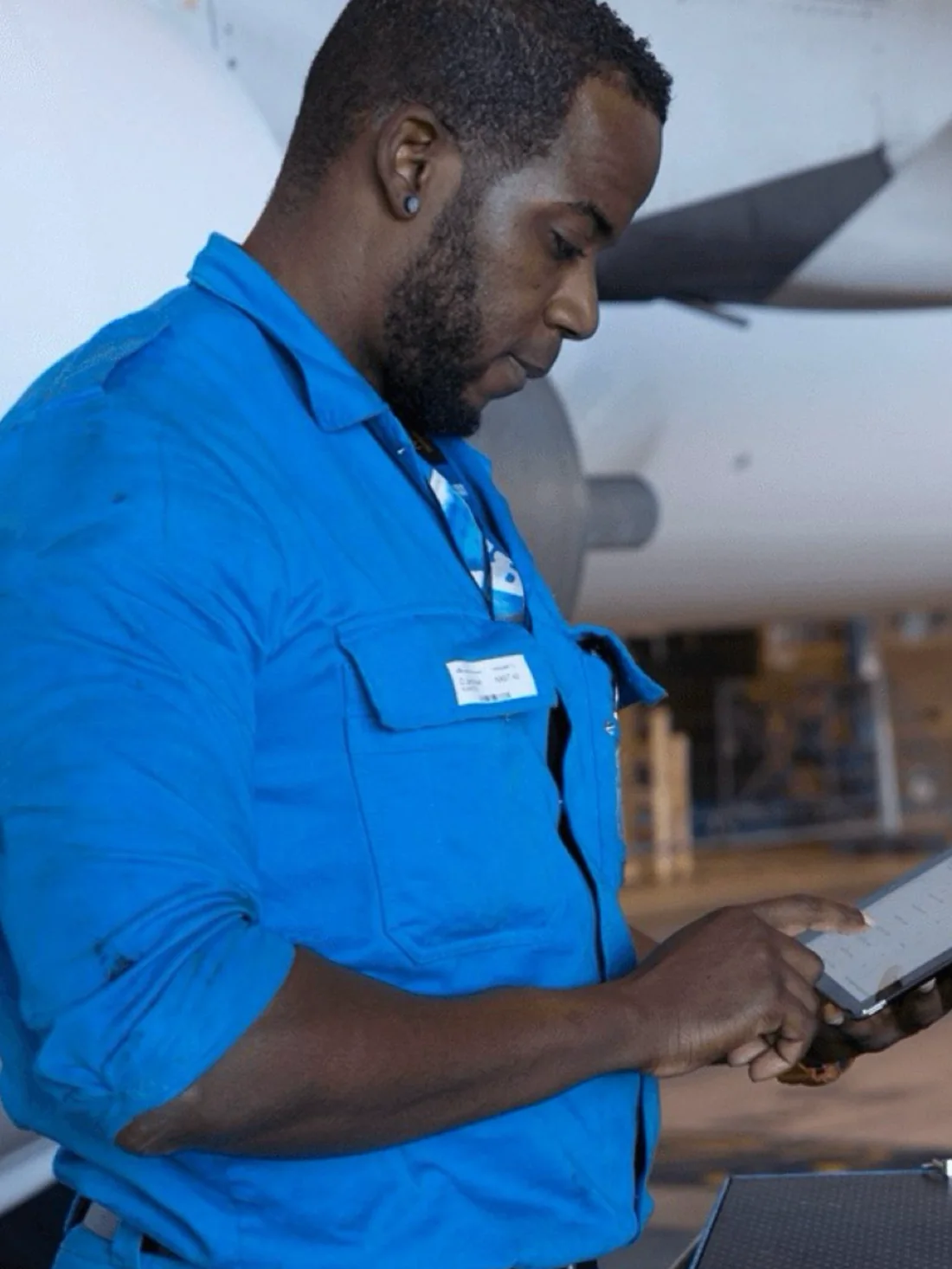
400+ iPads, in gloves, next to an engine.
One-handed, standing up. That constraint decided most of the layout.“Job stop” sits next to “Finish”. Stopping is as normal as finishing.
One of five
The same aircraft passes through five groups of people in a day.
Appy2Help
Ground staff
Flightdeck
Cockpit crew
MyFlight
Cabin crew
Appron
The apron
iMech
This case
I worked across that family. The teams shared PI planning, sat beside each
other in the Centre of Excellence, and added to one tech stack, so each
application could build on what the one before it put there.
Results
Paper out. Two hours off the check.
400+
iPads on the floor, replacing paper task and admin tracking
12 → 10
hours on the check this was measured against — two hours of hands-on-metal time given back
€17M
revenue increase, and 17% turnover: less downtime meant four extra line flights a week
↑
happiness score, surveyed to technicians and tracked as a KPI
Most of those two hours is the second administration, gone. After fifteen years
KLM took the capability in-house and set up their own design studio, which for
a consultancy is the best possible ending.
Next
Etihad — a portal that reads both ways.
Guests handling their own booking, across five regions and two reading
directions.